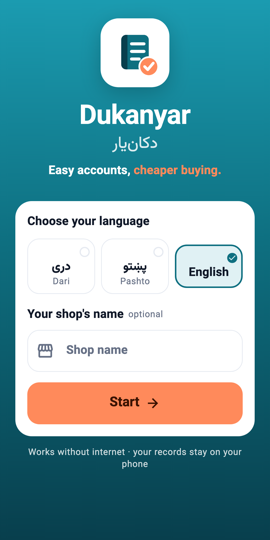
First start 1Step 1On first start you choose the language and the shop's name; a PIN is offered next and can be set later from Settings.
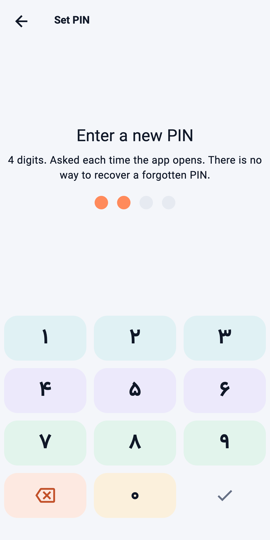
Setting the PIN 2Step 2In Settings tap Set PIN. Choose 4 digits you will remember: a forgotten PIN cannot be recovered, only a backup brings the data back.
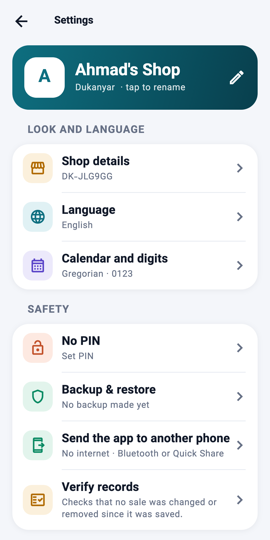
Your data stays with you 3Step 3Everything you enter stays on your device, in an encrypted database. No account, no internet, no advertising. Backups and reports leave only when you send them yourself.
What you will see The PIN pad each time the app opens, and the Privacy row in Settings describing what the app does and does not do.